
Step 1: Show Me What You've Built
- Contact me. Send a link or the files. That is all I need to start
- You did the hard part. I look at what you have and ask a couple of questions
- You get a plain answer: what it takes to go live, and what it costs
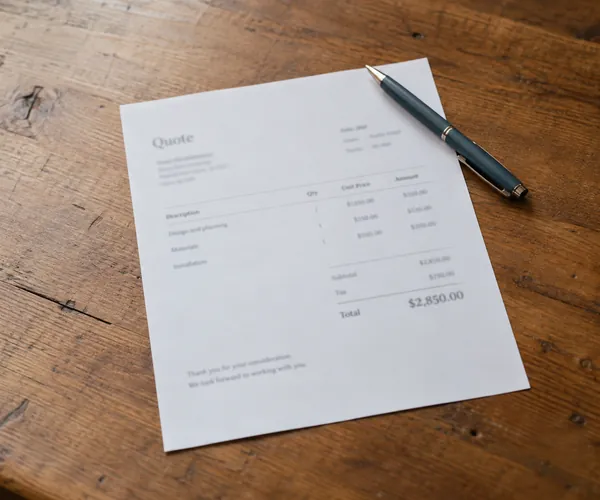
You have the house. We connect the utilities. That is the whole job, and it takes days, not weeks, for one flat fee quoted before anything starts.
Builders and AI tools deliver a finished visual product. They don't connect it to the web's infrastructure. Here is everything that happens between "I have a website" and "my website is working."
Here is exactly what happens, in order. One person, start to finish.
Step 1: Show Me What You've Built
Step 2: Review and Quote
Step 3: Setup and Configuration
Step 4: Handover and Ongoing Support
This service is about getting what you already have working correctly. If your site needs significant structural changes or a full rebuild, that is a separate conversation under Website Development. Most clients don't need it. They just need the utilities connected.
If your existing site needs cleanup or platform conversion as part of a hosting move, see the hosting page. That work is included with a hosting migration.
Most launch conversations start with one of these four. If yours looks different, call and describe it.
You used ChatGPT, Claude, Wix, Squarespace or a similar tool. You have output: files, a preview link, something tangible. But you haven't been able to get it onto a real domain with real email and search visibility. This is the most common version of the problem.
Your site is technically on the web, but business email is a free Gmail address, the Google profile isn't linked to the site, you're not in Search Console, and Google has no clear signal you're a real local business. The building is standing. The utilities are off.
You're paying $30 to $50 a month for platform access and getting a generic experience with no direct support. You want off, onto clean managed hosting, without losing your domain, email history or search position. This is the migration conversation.
Someone built your site, handed over files (or didn't), and now you can't get them on the phone. You don't have access to the hosting, the domain is expiring, and the email might be tied to an account you can't reach. I deal with this regularly. It's recoverable.
Once the site is live and working, a growing number of local businesses want to keep using AI tools in the actual workflow: drafting service descriptions, responding to reviews, producing first-pass social posts, and keeping a news or blog section current without hiring a copywriter. I use these tools heavily in my own work and can set up a practical workflow for yours. This is applied setup, not a course: the right tools for what you need, how to use them correctly, and making sure the output sounds like your business rather than a generic prompt.
AI can write, structure and organise. It cannot photograph your business, walk your location, verify your Google Business Profile, or build a credible local presence from scratch. The more AI-generated content spreads, the more weight Google and customers put on the signals that prove a real business is behind the website: real photography, a verified local profile, genuine reviews, consistent business details across directories. That is what brand photography and local visibility are built around.